Guidelines & Templates

Guidelines for Preparing Print Files:

Bleed Area (Red Line)

To avoid white edges, extend your design to the full bleed area marked by the red line.

Safety Zone (Green Line)

Make sure that all text and important images are kept within the safety zone marked by the green line. This will prevent them from being cut off during trimming.

Visible Area (Blue Zone)

The area between the blue and red lines will be visible after trimming. This part usually includes the background or other non-essential elements.

Remove Stamp Lines:

Please ensure that all stamp lines or marks are deleted from your template to prevent them from printing along with your design.

Final Step:

Create your print-ready file and upload it.

Description

Description

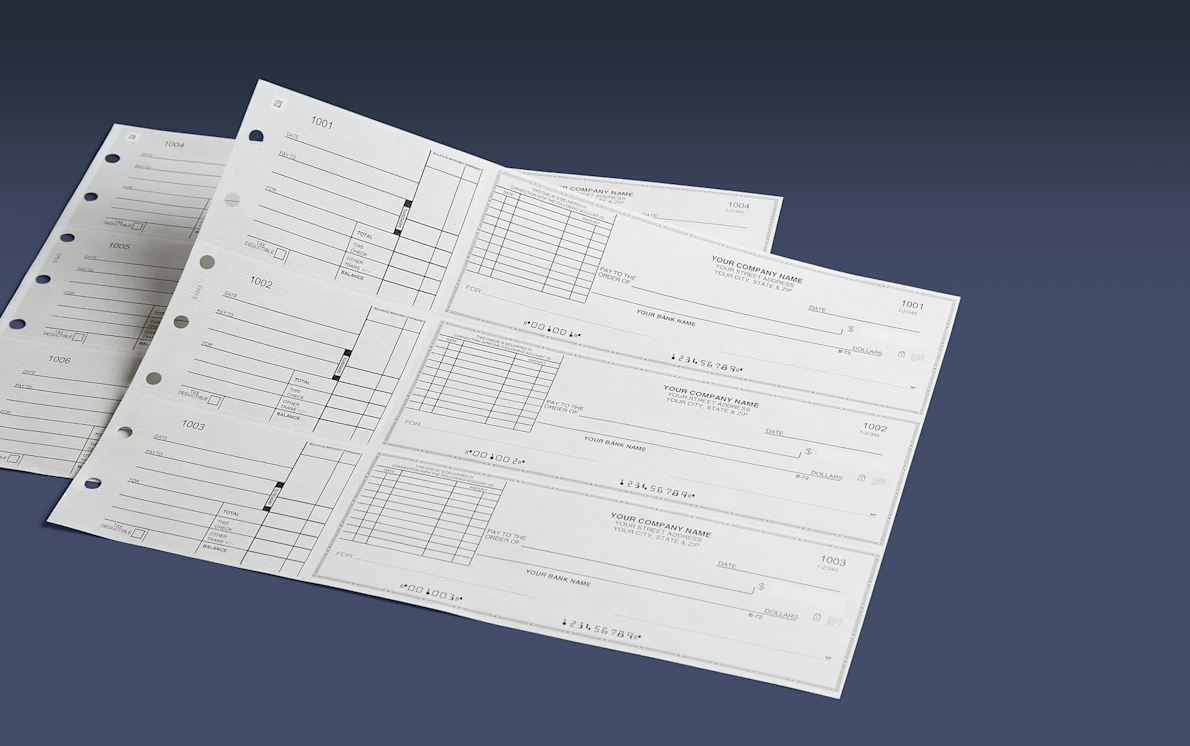
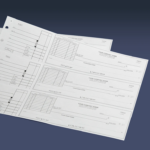
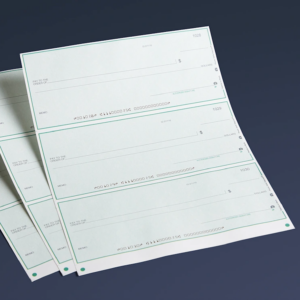
Be ready on the go or in the office with manual business checks.

  • Tear-off stub for recordkeeping
  • General purpose, invoice or payroll format
  • 7-ring binder compatible
  • Information protected by SSL encryption

For invoices, expenses & more
3-per-page business checks come with side-tear stubs that help you organize and manage expenses. Track employee hours and wages with our payroll template or use the general purpose option for any expense. The itemized invoice design actually has space to write a list of what you’re paying for right on the check itself – you can list and pay up to 10 invoices.

Information security
We never store any of your banking information, and we’re committed to keeping your data secure. We use the industry standard of Secure Socket Layer (SSL) encryption to protect your private information.

Easy design process
When you select “Browse designs,” you’ll see different templates you can pick from. And you can choose from a variety of colors via the text below the pricing information. Once you pick a design, just enter all the required personal and banking information. Then you’ll be able to customize fonts, the starting check number and your name.

Reviews (0)

Reviews

There are no reviews yet.

Be the first to review “3-Per-Page Checks”

Your email address will not be published. Required fields are marked *