Description
Classic Business Card Printing with TGM Print
Make a Lasting Impression with TGM Print’s Classic Business Cards
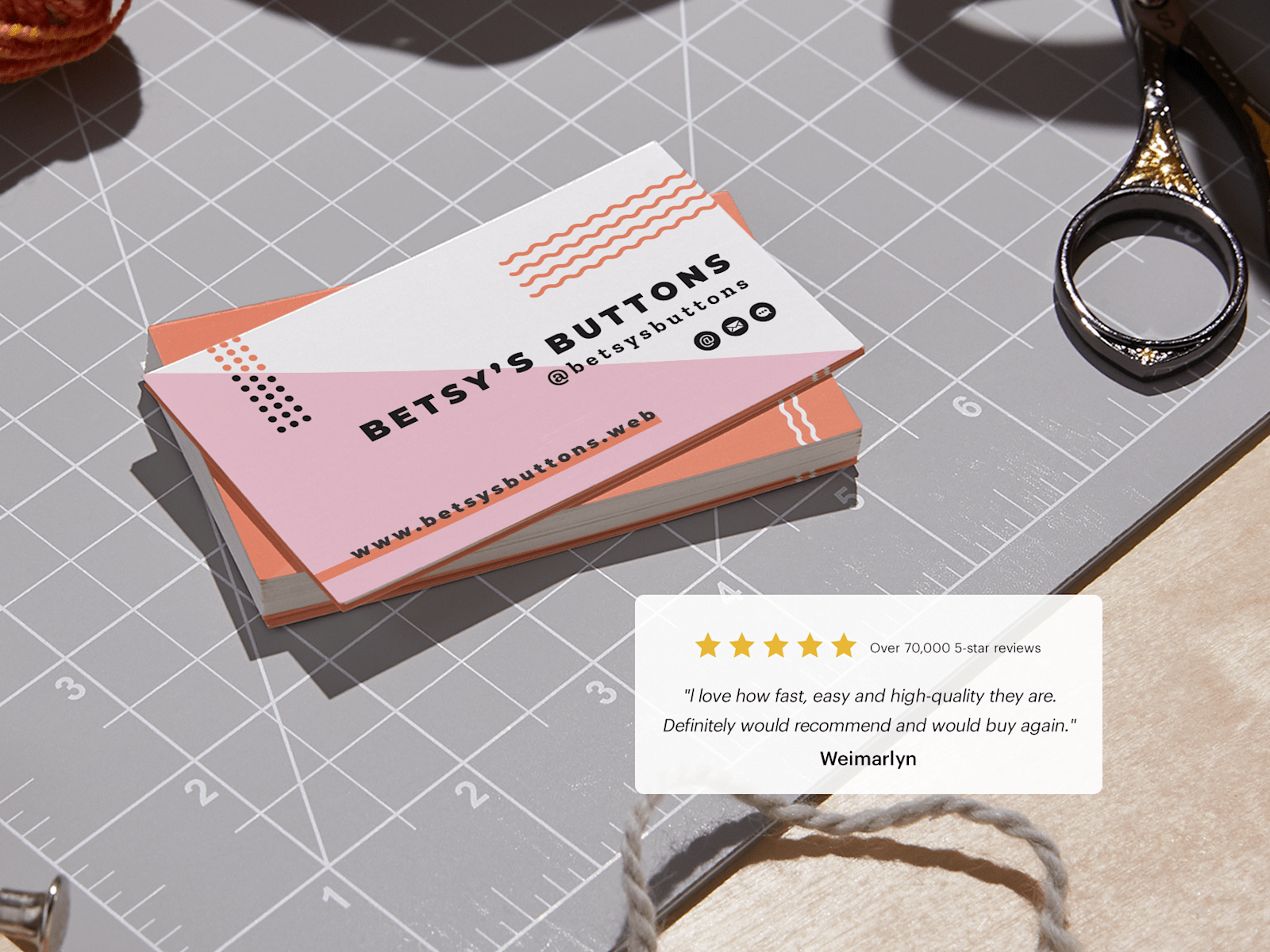
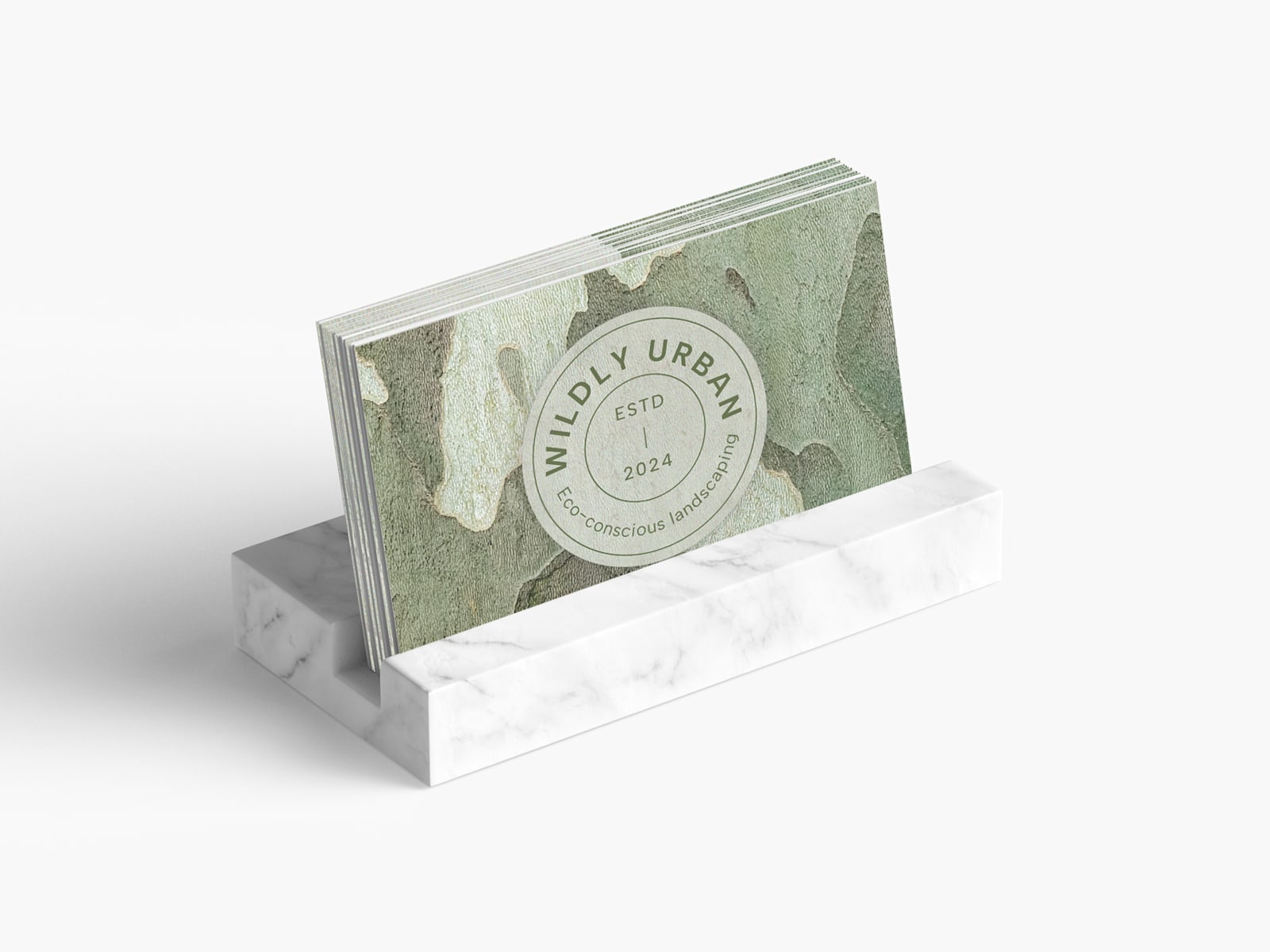
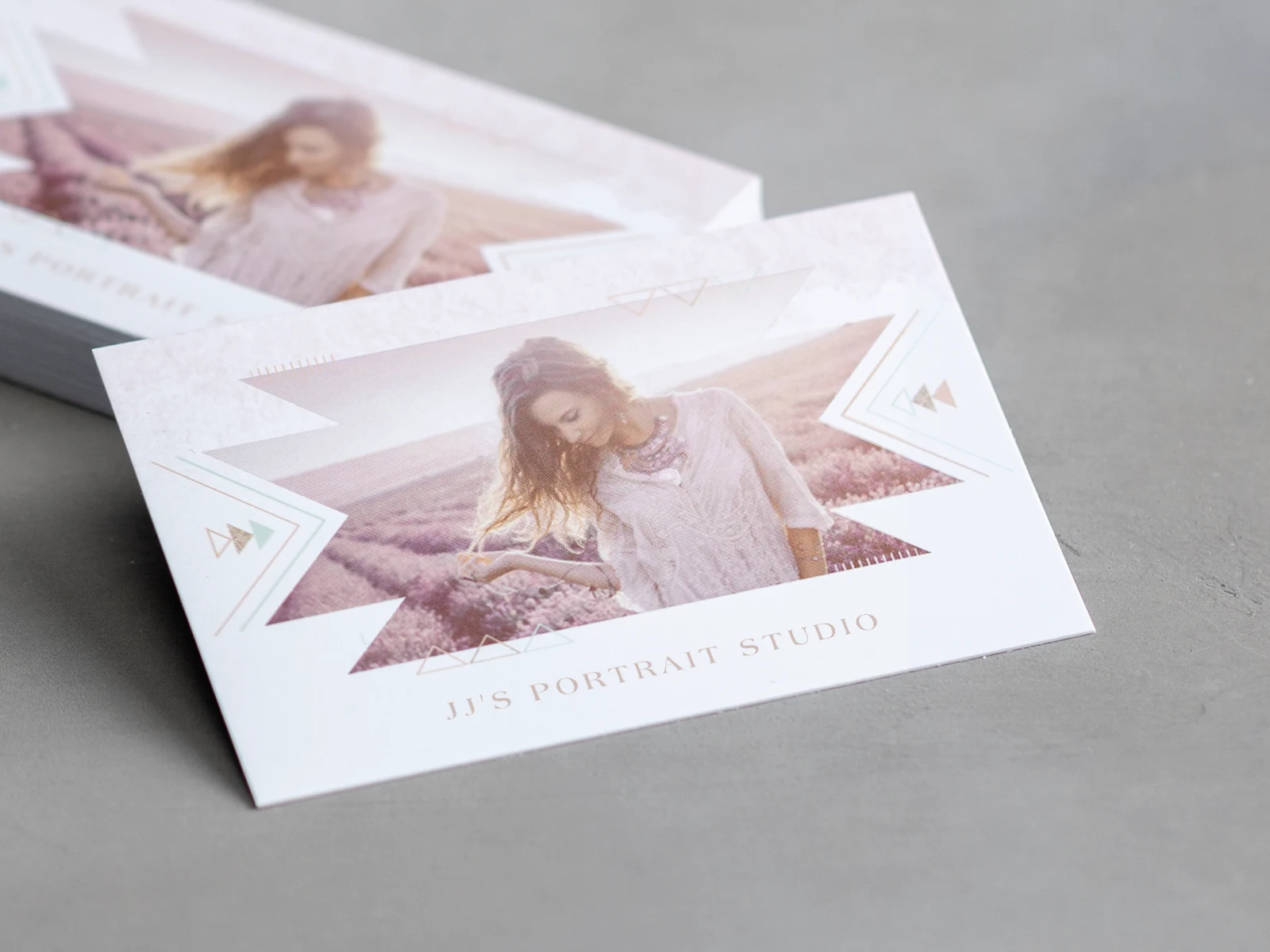
At TGM Print, we understand that a business card is more than just a piece of paper – it’s your brand’s introduction and a reflection of your professionalism. Whether you’re networking, building relationships, or leaving contact details, our classic business cards are designed to help you stand out.
Why Choose TGM Print?
TGM Print offers superior quality, flexibility, and a wide range of options for your business card needs. With the ability to produce up to 50,000 cards, we cater to businesses of all sizes. Our classic business cards provide an elegant, professional look that leaves a lasting impression.
Endless Customization Options
TGM Print makes it easy to design business cards tailored to your unique needs. Using our intuitive ordering system, you can customize:
-
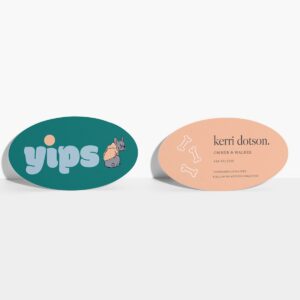
Card sizes: Standard, square, or custom sizes
-
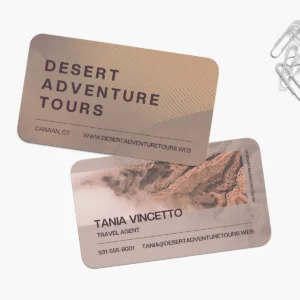
Corner styles: Rounded or square corners
-
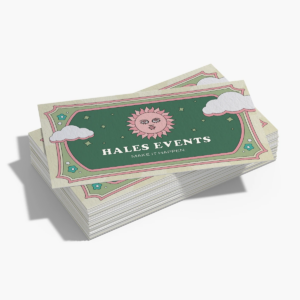
Printing sides: Single or double-sided printing
-
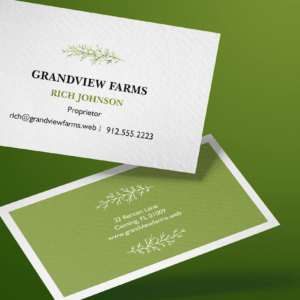
Finishes: Matte, glossy, satin, and more
Have specific requests? Our flexible process and experienced team are here to accommodate your special requirements.
Design Your Cards with Our Online Design Tool
Not a designer? No problem! TGM Print’s online design tool lets you easily create professional designs for all of our products, including classic business cards:
- Start with industry-specific templates or create from scratch.
- Add your own logo, text, and images.
- Experiment with fonts, colors, and layouts.
- Preview your design in real-time before finalizing your order.
Work with Professional Designers
For those seeking a more tailored approach, TGM Print also offers access to professional designers who can work with you to create a truly unique and polished design. Whether you have a vision in mind or need expert guidance, our designers are here to bring your ideas to life across all our products.
Quality Cardstock Options for Every Style
Choose from a variety of durable and stylish cardstock options, tailored to your needs:
-
Smooth Gloss: A high-gloss finish for vibrant colors and durability.
-
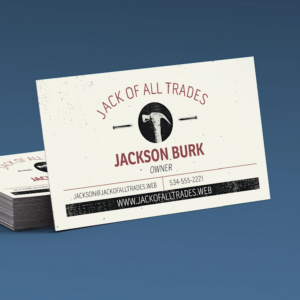
Matte Finish: A clean, non-reflective surface ideal for understated elegance.
-
Recycled Stock: Eco-friendly and writable for text-heavy designs.
-
Linen Texture: Adds subtle texture and sophistication.
-
Writable Options: Perfect for appointment cards or handwritten notes.
Sizes and Corners
Available in standard or square dimensions, with the option for rounded corners to add a modern touch while protecting edges from wear and tear.
Order Quantities from 50 to 50,000+
Whether you need a small batch or a high-volume order, we handle it all with efficiency and speed.
TGM Print: Your Trusted Source for Classic Business Cards
From simple, timeless designs to fully customized creations, TGM Print’s classic business cards ensure your brand makes a lasting impact.
Get started today! Use our online design tool, upload your design, or collaborate with our professional designers to create the perfect business card. TGM Print – where quality meets creativity!

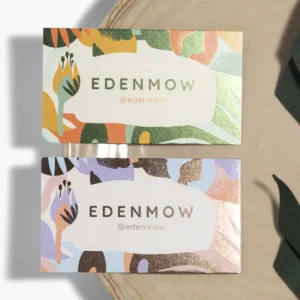
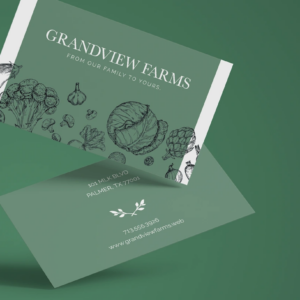 Die-Cut Business Cards
 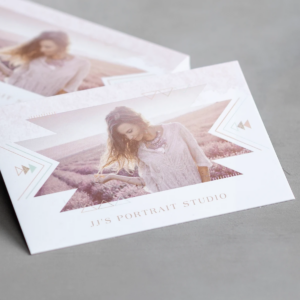 Soft Touch
Reviews
There are no reviews yet.