Guidelines & Templates

Guidelines for Preparing Print Files:

Bleed Area (Red Line)

To avoid white edges, extend your design to the full bleed area marked by the red line.

Safety Zone (Green Line)

Make sure that all text and important images are kept within the safety zone marked by the green line. This will prevent them from being cut off during trimming.

Visible Area (Blue Zone)

The area between the blue and red lines will be visible after trimming. This part usually includes the background or other non-essential elements.

Remove Stamp Lines:

Please ensure that all stamp lines or marks are deleted from your template to prevent them from printing along with your design.

Final Step:

Create your print-ready file and upload it.
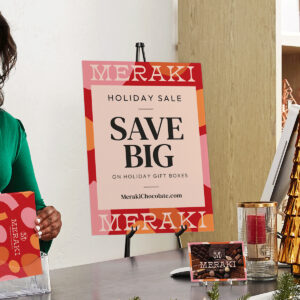
Description

Description

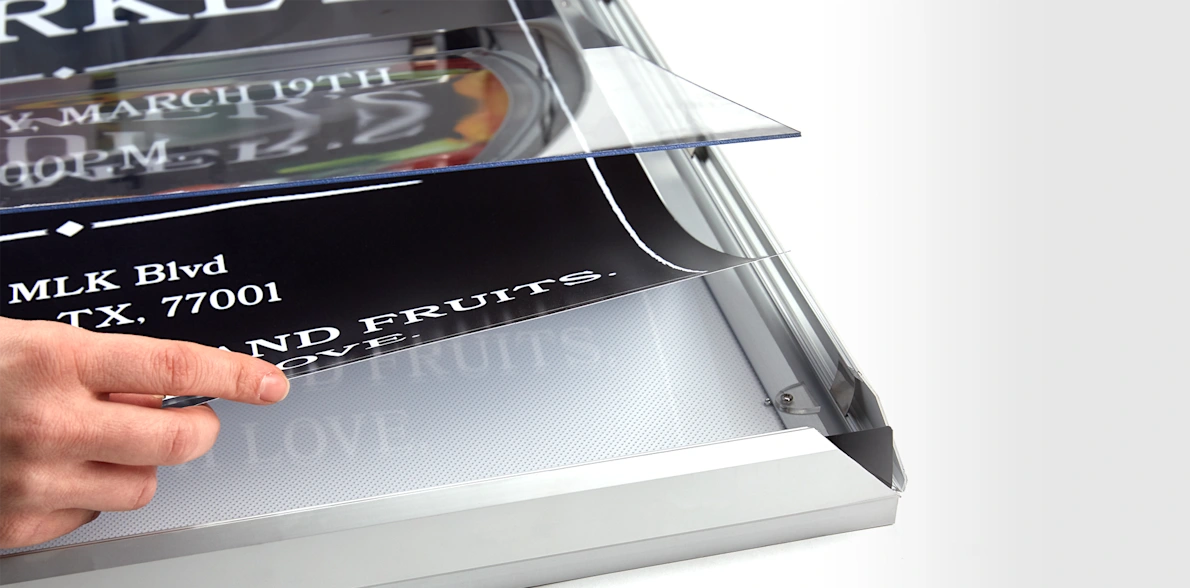
Elevate the look of your poster with a durable frame.

  • 6 size options
  • Aluminum frame
  • Protective, clear film cover
  • Snap-in/snap-out edges

Note: These frames are intended for use with our custom posters only.

Our lightweight aluminum poster frames help you create a professional poster display. They’re easy to mount on a wall (use adhesive or screws) – then just clip the frame borders in and out for a quick and easy set up. They also come with a clear, protective film to keep your poster looking great use after use.

Ready to order your poster frames? Choose from our assortment of options to design the right product for your needs. After that, we’ll take care of the rest, and your frames will arrive ready to display.

Reviews (0)

Reviews

There are no reviews yet.

Be the first to review “Poster Snap Frames”

Your email address will not be published. Required fields are marked *