
Guidelines & Templates

Guidelines for Preparing Print Files:

Bleed Area (Red Line)

To avoid white edges, extend your design to the full bleed area marked by the red line.

Safety Zone (Green Line)

Make sure that all text and important images are kept within the safety zone marked by the green line. This will prevent them from being cut off during trimming.

Visible Area (Blue Zone)

The area between the blue and red lines will be visible after trimming. This part usually includes the background or other non-essential elements.

Remove Stamp Lines:

Please ensure that all stamp lines or marks are deleted from your template to prevent them from printing along with your design.

Final Step:

Create your print-ready file and upload it.
Description

Description

Order custom checks online –no headaches, no hassle.

  • For personal or business use
  • Dozens of designs, patterns & templates
  • Information protected by SSL encryption

Customized & convenient
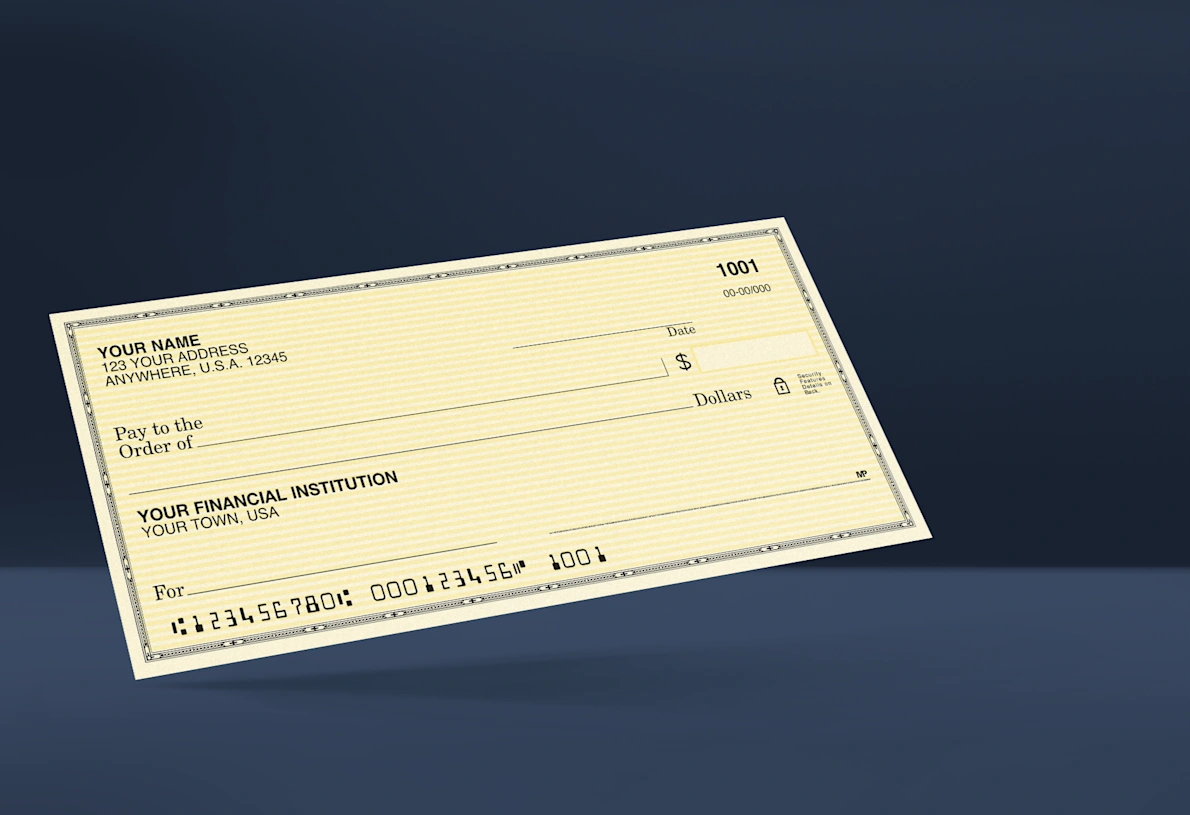
Liven up your checkbook with a fresh, new look in an eye-catching color. Or choose a sleek, professional theme for your small business. Whatever you need them for, skip the trip to the bank and create your personal or business wallet checks online. You get great design options, the quantity you want, and everything delivered right to your door.

Protecting your information
When you create custom checks with us, we’re committed to cyber security. We use the industry standard of Secure Socket Layer (SSL) encryption to protect your private information, and we’ll never store your account or routing number.

Easy to create
Start browsing designs by using our search filters. Check out different colors or photos for a specific template by using the “scenes” text below the price. When you find a design you like, enter some required personal and banking information. Then you can customize fonts, starting check numbers and your name.

Reviews (0)

Reviews

There are no reviews yet.

Be the first to review “Wallet Checks”

Your email address will not be published. Required fields are marked *